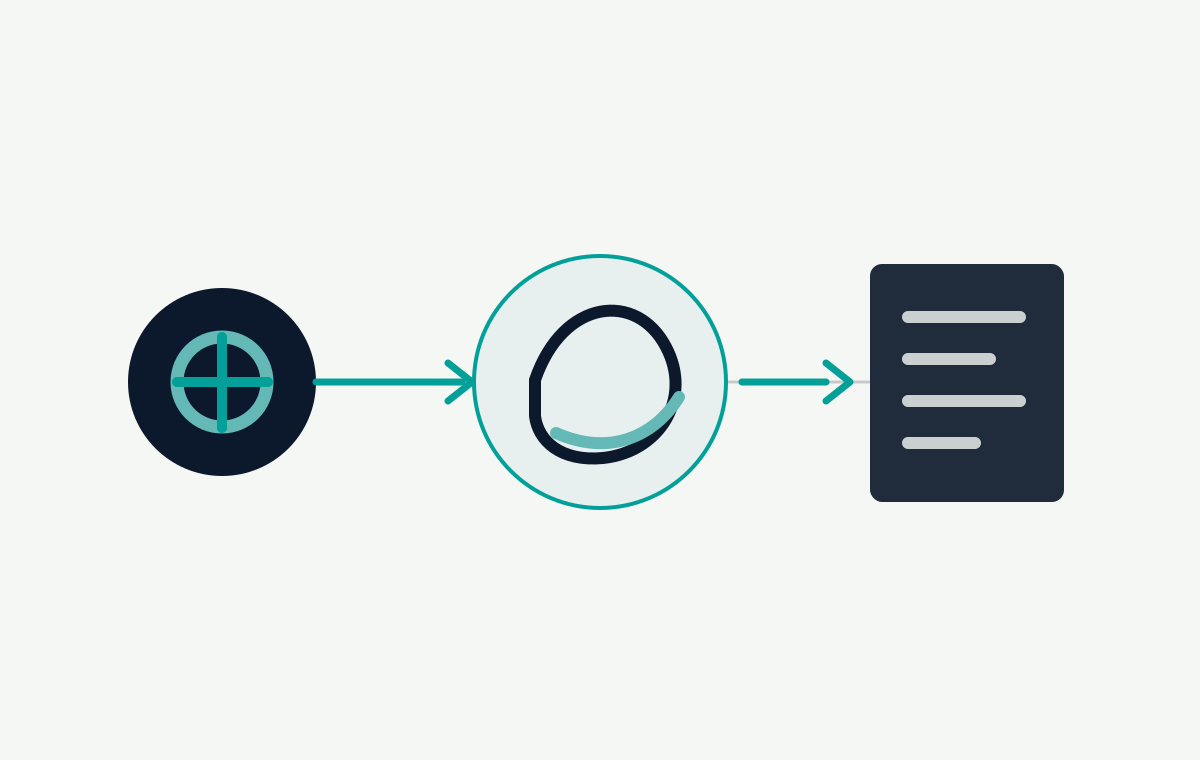
Technical SEO is most useful when it clarifies a website’s structure and removes friction for people. I use a staged workflow so that a long audit becomes a small set of actions the team can prioritise.
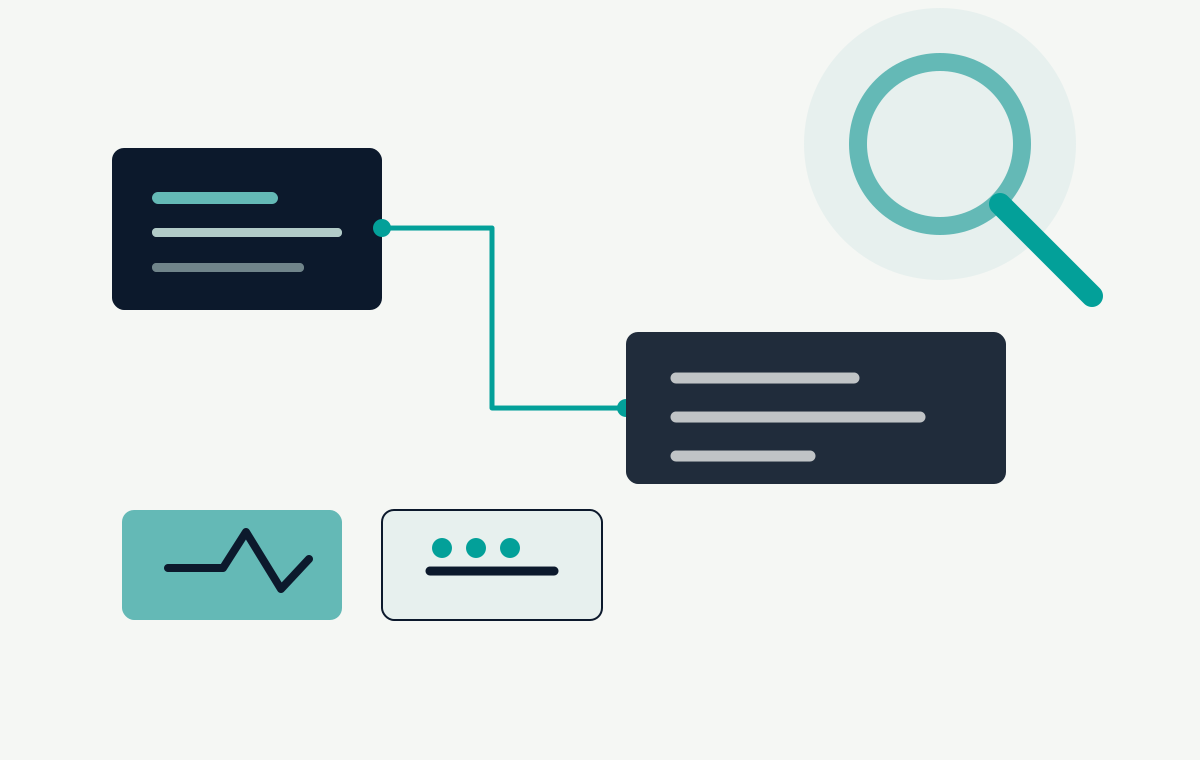
1. Establish the baseline
Start with a crawl, the index coverage report and a sample of real landing pages. Record the preferred domain, HTTP status codes, canonical tags, robots rules and sitemap. Search for duplicate titles, missing descriptions, orphan pages and links that lead to redirects or errors.
Look at templates, not only URLs
WordPress sites often share templates. A single template issue can affect many pages, so group findings by pattern. Review archive pages, pagination, media attachments and taxonomy pages before deciding whether they should be indexed.
2. Make the site understandable
Build a shallow, logical navigation that reflects how people describe the services. Use descriptive internal links, one clear H1 per page and headings that create a useful outline. Keep the important copy in the HTML and make sure key content is not hidden behind an interaction that search crawlers cannot access.
Map each important page to one search intent.
Choose a concise, specific title and description.
Connect related pages with natural anchor text.
Set canonical and redirect rules deliberately.
3. Remove performance friction
Compress hero images, reserve image space to avoid layout shifts and load only the scripts each page needs. Test on a mid-range phone. Performance is part of usability, and a smoother landing page supports both organic visits and paid traffic.
4. Measure the changes
Record the URL, issue, action and verification date for every fix. Re-crawl after deployment, inspect representative URLs and monitor the conversions that matter to the business. SEO becomes easier to manage when technical work is connected to a clear user outcome.
For a review of a site’s structure and search foundations, get in touch. You can also read the WordPress launch checklist for the pre-launch handoff.
Turn an indexability finding into a reproducible check
Create a small worksheet with one row per important URL: intended purpose, HTTP status, canonical target, robots instruction, internal discovery link and sitemap eligibility. Check the final URL reached after redirects, not just the address entered in the browser. Compare the server-delivered HTML with the visible page when content is rendered by JavaScript.
Distinguish three different problems
Blocked crawling: a crawler cannot fetch the page. Check robots rules and the response before assuming the content is absent from the index.
Intentional exclusion: a reachable page contains
noindex. Google must be able to crawl it to process that instruction; blocking the same URL inrobots.txtcan prevent this. See Google's noindex guidance.Duplicate signals: internal links, the sitemap and a canonical point to different URL variants. Align them with the intended canonical rather than submitting every variant. A canonical is a signal, not a guarantee that Google will select it. See Google's canonical documentation.
Verify a fix at the same level as the defect
For a template defect, sample several affected pages after deployment. Confirm the status, source metadata and internal link destination, then record the result with the release. A successful local crawl does not prove Google has recrawled or indexed the page. Where authorized Search Console access exists, inspect the live URL and later compare the indexed result.
Treat performance as a separate investigation: the responsive website review covers layout and resource checks. For editorial accuracy, use the AI and SEO review workflow. These checks help scope a focused technical SEO review.